01 / STARTER
Realistic start sequences
Adjust On Your Marks pacing, the Set hold and timing variation. Choose recorded starter personas, custom commands, nine pistol or clap signals, and electronic or double-pistol recalls.
 RaceCue
Sprint-start training for athletes and coaches
Practise sharper reactions and more controlled first steps with realistic starter commands, camera tools, competition pressure, start video, timing, and structured sessions.
iPhone beta build in testing · Android planned
The complete start line
RaceCue is built for sprinters training on their own, athletes working with a coach, and groups running repeatable starts. The main dial keeps the sequence simple while deeper controls stay close when they are needed.
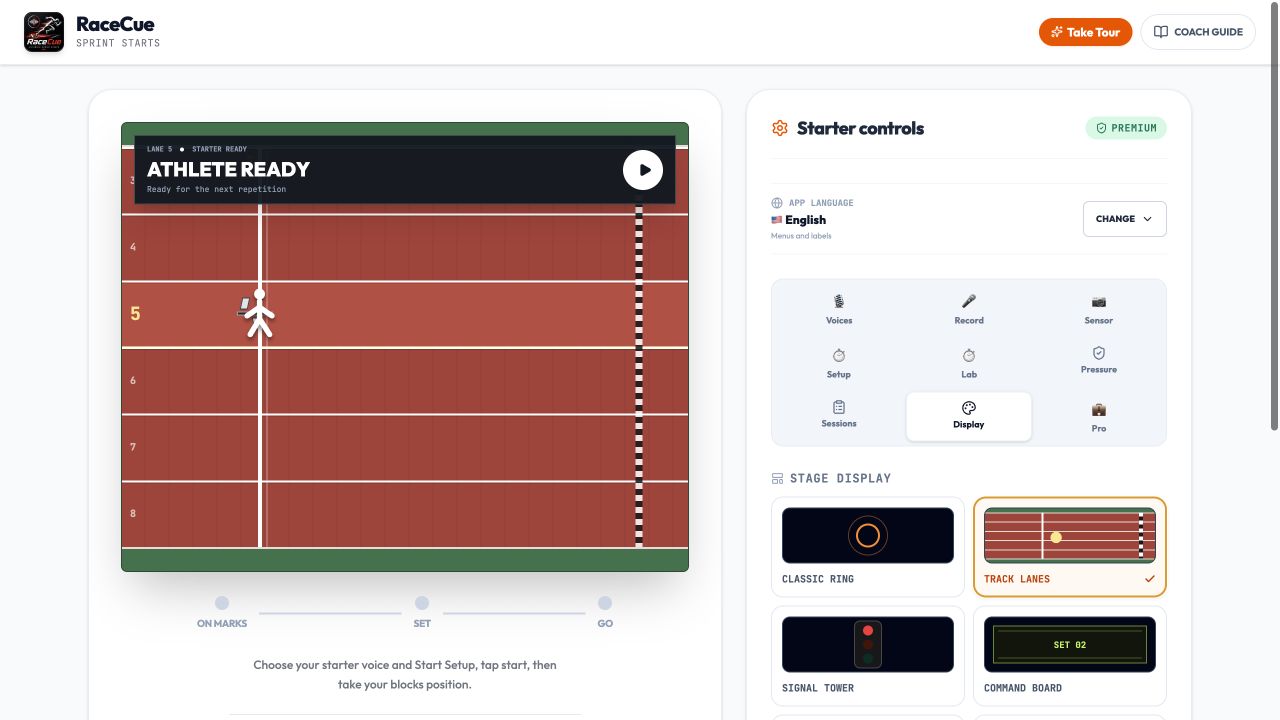
Everything in one training app
Use only the starter, or build a complete practice around reaction, recording, pressure, repetitions, and coach feedback.
01 / STARTER
Adjust On Your Marks pacing, the Set hold and timing variation. Choose recorded starter personas, custom commands, nine pistol or clap signals, and electronic or double-pistol recalls.
02 / REACTION
Run movement or touch drills, estimate the response after GO, flag early movement, compare recent attempts, or use the main sequence while the stopwatch continues through the sprint.
03 / CAMERA
Mount the phone side-on, use the front or rear camera, and optionally start hands-free when the athlete settles. Camera reaction timing can estimate first movement after GO.
04 / VIDEO
Prepare either camera once and record each start from before the commands until shortly after GO. Preview the latest repetition and save only the useful videos.
05 / PRESSURE
Add real track ambience and random distractions while official commands remain dominant. Practise recalled starts, random stand-up commands, gun misfires, and changing Set holds.
06 / SESSIONS
Run structured repetitions with recovery countdowns, create coach sessions with athlete and lane assignments, add notes and manual times, then review local history or export CSV results.
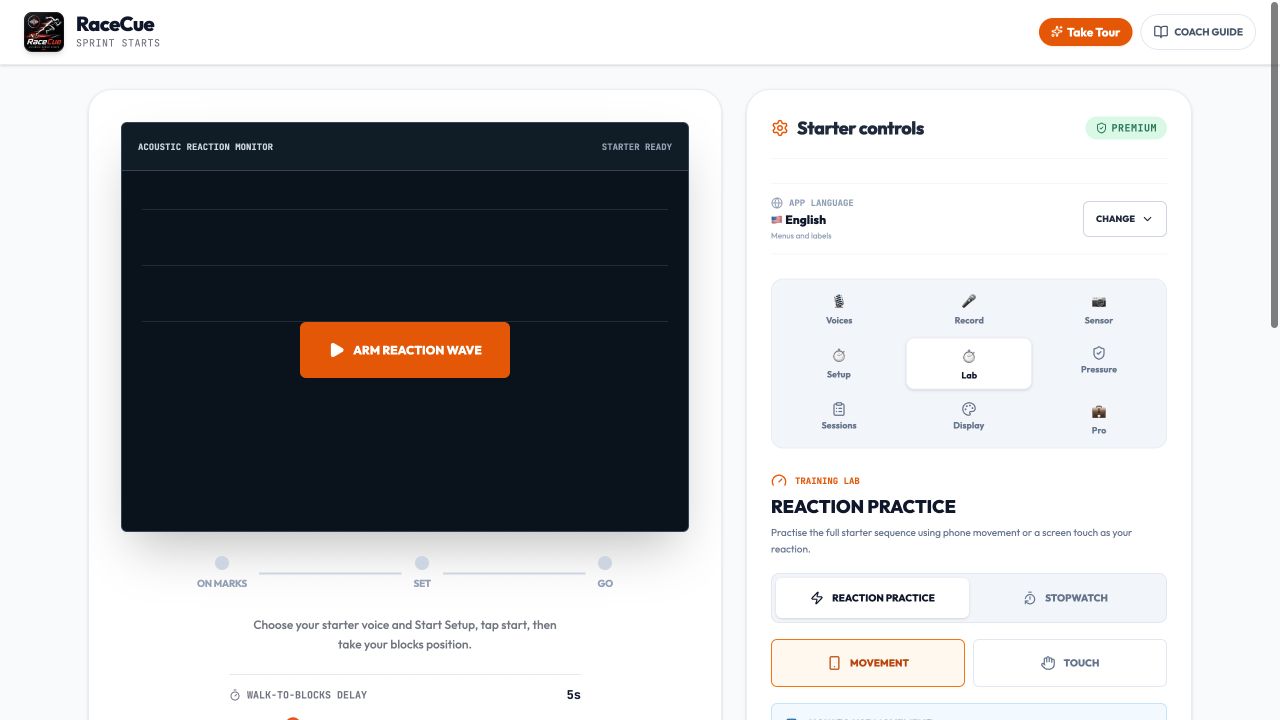
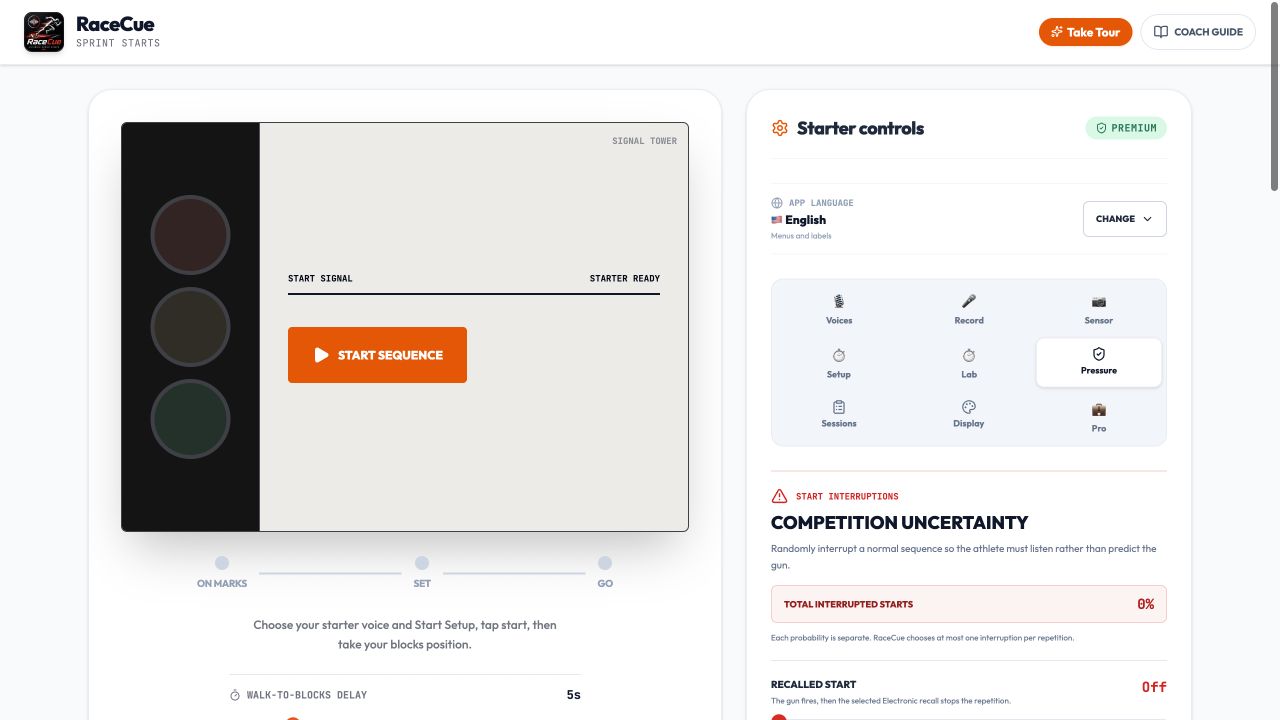
Sound, light, and display
Recorded starter voices
Starter audio and the app interface can be selected independently. Use English commands with Arabic menus, or Turkish commands with an English interface. Arabic includes a right-to-left layout.
Train Your Way
Place RaceCue near the blocks and practise independently using realistic commands, reaction tools, camera detection, Start Video, competition pressure, and structured repetitions.
Play commands through a nearby speaker when more volume is useful for outdoor, windy, or group sessions.
Bluetooth audio delay varies by device and speaker. Use the iPhone speaker for precision reaction work unless the setup has been calibrated.
Give a coach direct control of On Your Marks, Set, GO, Stand Up, Recall, and Misfire for individual athletes or groups.
Choose the number of starts, recovery duration, and sequence settings. RaceCue guides the session and records completed, interrupted, and false-start attempts.
Add athlete names and lane assignments, run starts, stop the training timer, enter externally measured times, attach notes, and export local CSV results.
Suitable for: block starts, acceleration runs, flying sprints, 10–60 m start work, 100 m and 150 m training, speed endurance, relay practice, and repeated technical starts.
Feature status
RaceCue is still in development. These labels describe the current project rather than promising unfinished features.
Current iPhone beta
Starter sequences, 15 languages, Reaction Practice, Camera Start Detection, Automatic Start Video, Competition Pressure, structured repetitions, coach sessions, local history, and CSV export are implemented in the current beta build.
Ready for store testing
The iPhone build now uses Apple's StoreKit for the one-time Premium purchase, entitlement checks, and restoration. Sandbox and TestFlight purchase testing will be completed before public release.
Android planned
The Android project exists, but its camera, audio, recording, permissions, and purchase flows have not yet completed real-device beta validation.
Simple launch model
RaceCue is being prepared as a free core app with a single lifetime Premium purchase. No recurring subscription and no advertising are planned for launch.
Pricing and availability remain subject to final App Store and Google Play configuration.
Private by design
RaceCue does not require an account and currently uses no advertising or analytics SDK. Camera processing, Start Video previews, voice and ambience recordings, motion readings, settings, and training history are handled locally. Start videos and camera frames are not uploaded automatically.
RaceCue 1.0
Training feedback, not certified Fully Automatic Timing. The iPhone beta is in testing; Android remains planned.